





LAUNCH SmartLink, Xentry yazılımı ile nasıl çalışır?
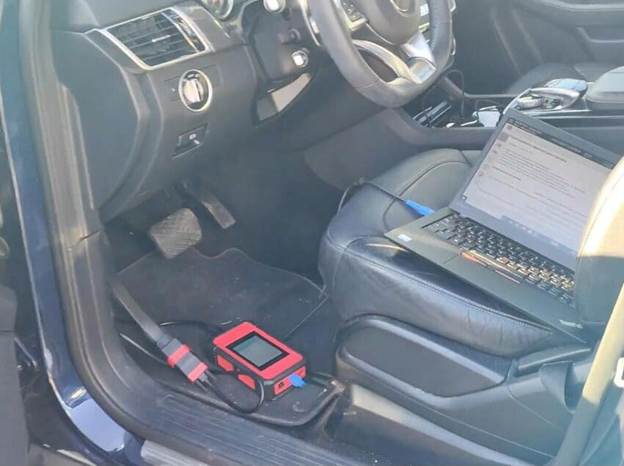
LAUNCH Smartlink; Mercedes-Benz Xentry, Volkswagen ODIS (V23/V24), GM SPS2 ve birçok J2534 uyumlu platform dahil olmak üzere geniş bir OEM teşhis yazılımı yelpazesiyle sorunsuz çalışır.
Bu kılavuz, Smartlink cihazının J2534 Passthru modu üzerinden nasıl bağlanacağını gösterir; kararlılığını, hızını ve modern araç iletişim protokolleriyle geniş uyumluluğunu vurgular.
Gereksinimler
Başlamadan önce aşağıdakilere sahip olduğunuzdan emin olun:
- LAUNCH Smartlink VCI (J2534 kullanımı için Smartlink C önerilir)
- Dizüstü bilgisayar
- Xentry Passthru yazılımı yüklü (2024/09 sürümü ile test edilmiştir)
- Kararlı internet bağlantısı (lisanslama ve giriş için önerilir)
- Smartlink için uygun J2534 sürücüsünün yüklü olması
Adımlar:
Launch X431 Smartlink C J2534 Passthru sürücüsünü resmi kaynaktan indirin, ardından Smartlink VCI cihazını dizüstü bilgisayara ve araca bağlayın.
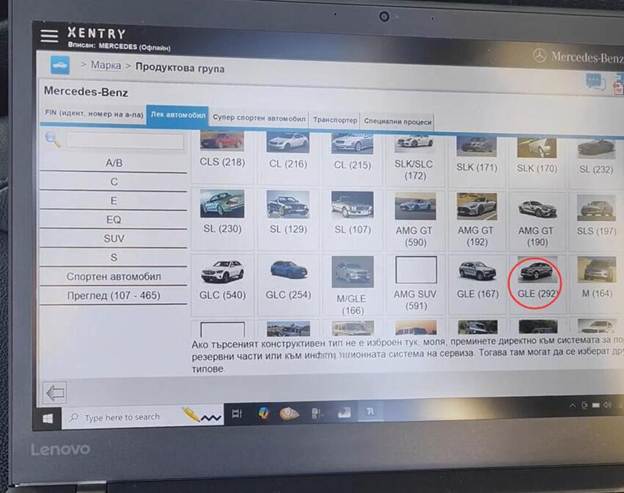
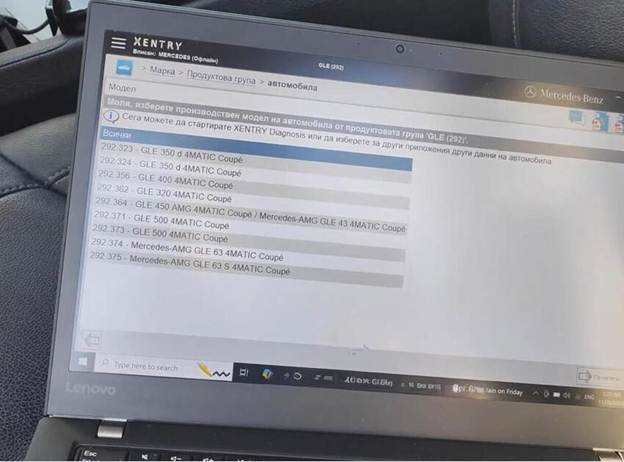
Bu örnekte bir Mercedes-Benz GLE W292 aracına bağlanıyoruz.
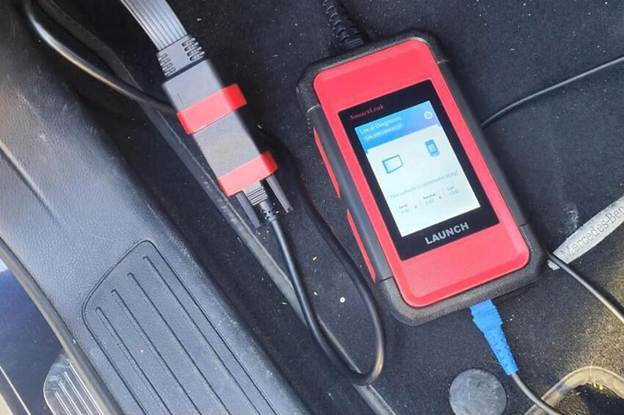
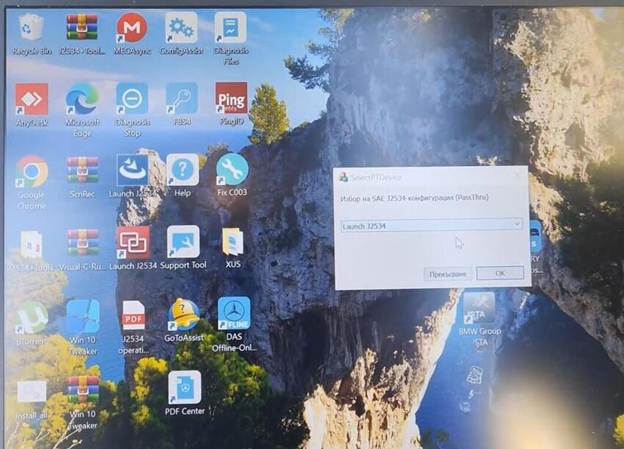
Xentry Passthru yazılımını çalıştırın.
Cihaz türü olarak „Launch J2534” seçin.
Xentry’ye giriş yapın.
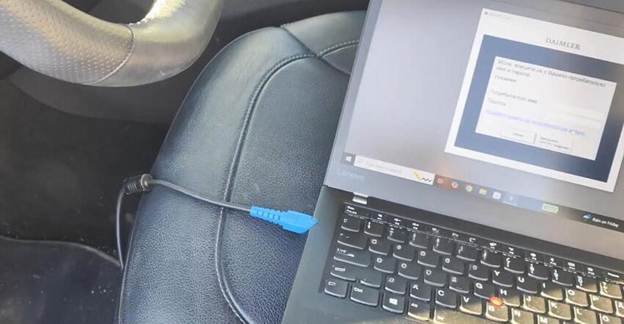
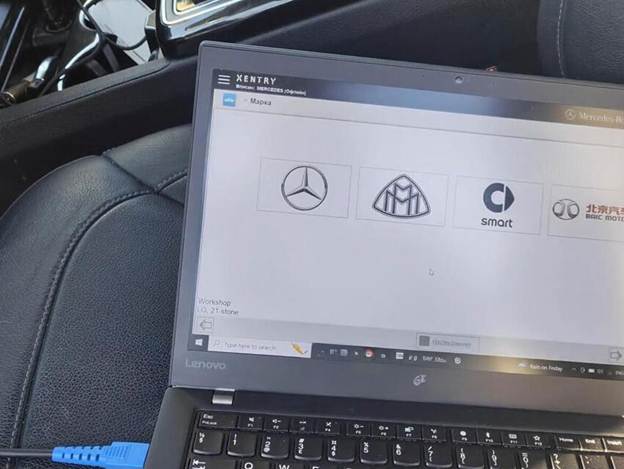
GLE (292) serisini seçin.
Xentry Diagnosis’a tıklayın.
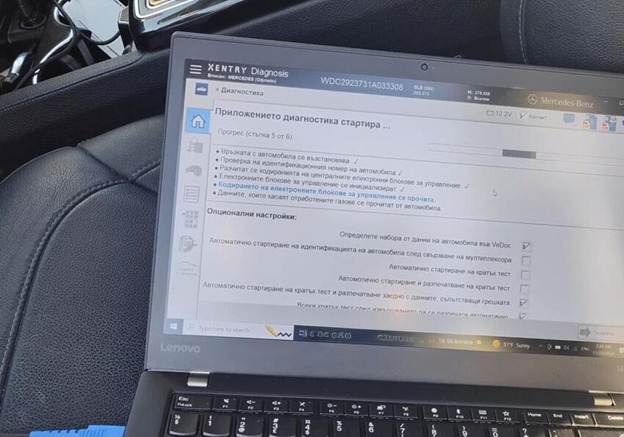
Araçla iletişim kurun ve modülleri tespit edin.
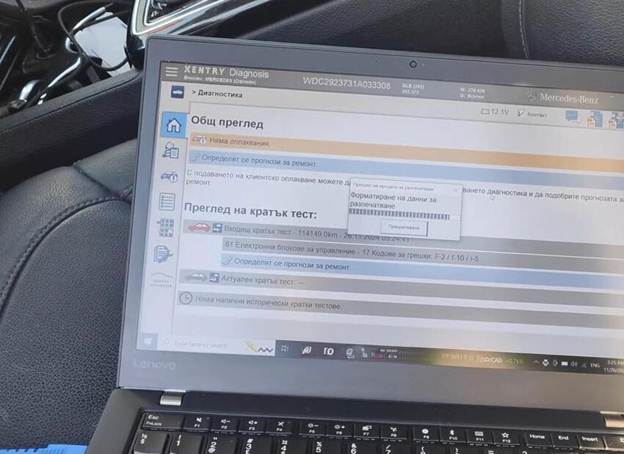
Launch Smartlink J2534, Openport, SM2 Pro vb. J2534 adaptörlerinden daha iyidir. DoIP ve CAN FD iletişimini destekler. Her modülü çok hızlı tarar ve en yeni Xentry sürümüyle uyumludur.